
Inventory Management

Inventory Management for Restaurants

Inventory Management for Restaurants

Inventory Management for Restaurants

Keep ingredients stocked and profits up with smart inventory tools built for busy kitchens.

Keep ingredients stocked and profits up with smart inventory tools built for busy kitchens.

google icon

5.0

trustpilot icon

4.9

5.0

inventory management

Advanced Way to Control Your Restaurant’s Inventory

Advanced Way to Control Your Restaurant’s Inventory

Restaurant inventory management is knowing what you have, what you need, and what you’re losing, so your restaurant stays profitable. It calculates usage rates and provides insights into where your money is being spent or wasted. Unlike manual management, modern inventory systems connect directly with your POS, giving you real-time data.

Real-Time Stock Level Tracking

Know exactly what's in your pantry, walk-in, and bar without counting.

Automatic Inventory Deduction

See items reduced from stock the moment they're ordered.

Low Stock & Out-of-Stock Alerts

Get notified before you run out of ingredients.

Recipe-Level Ingredient Tracking

Track the amount of each ingredient used per dish.

Supplier Ordering Integration

Create purchase orders based on actual inventory needs.

Forecasting & Usage Reports

Use historical data to predict future inventory needs.

Run Your Restaurant Smarter with POS Inventory Tracking

Run Your Restaurant Smarter with POS Inventory Tracking

Let your POS turn data into action, so you can manage stock, orders, and costs smoothly without extra work.
restaurant inventory

Cut Waste with POS-Connected Tracking

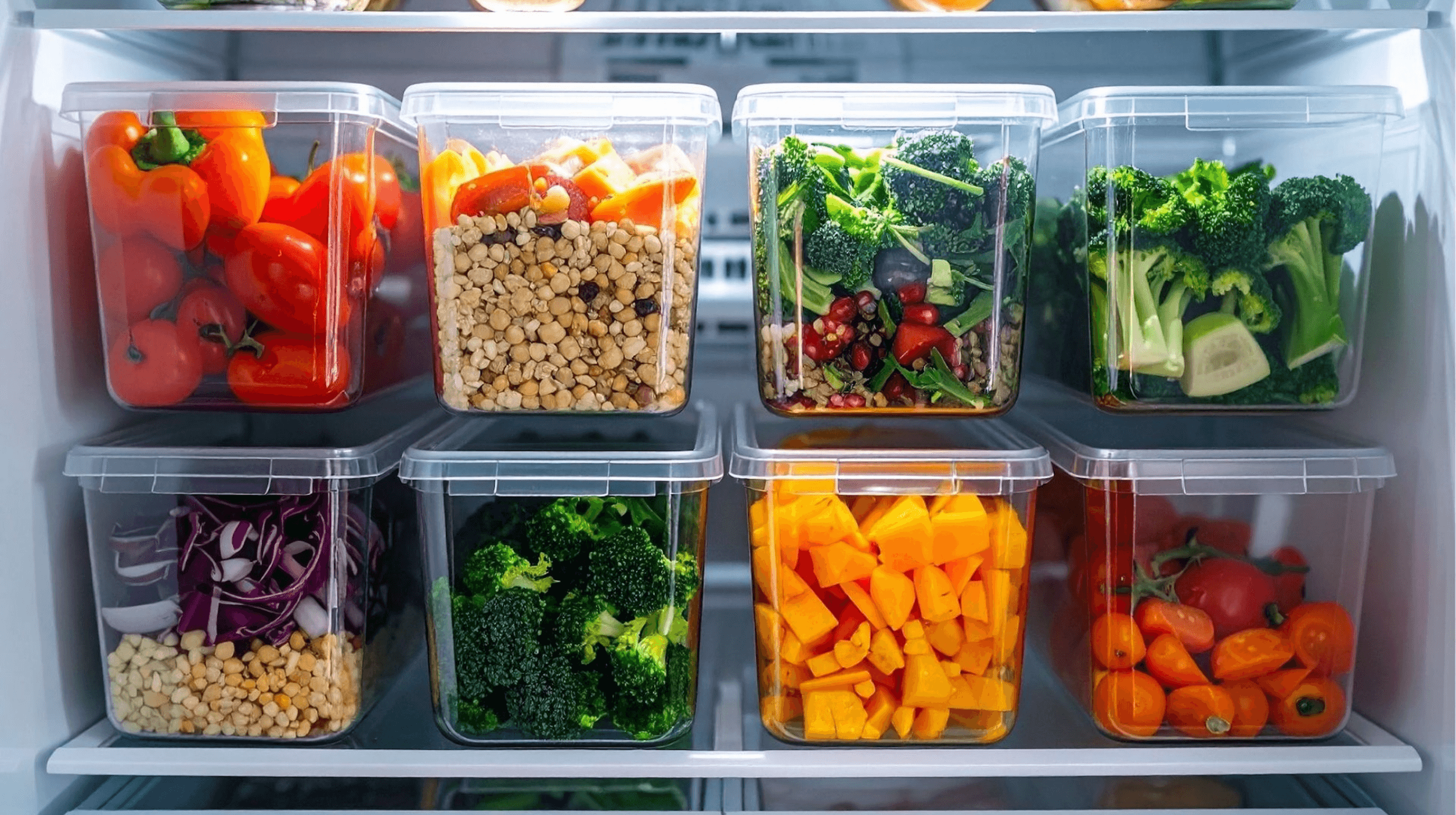
Track every ingredient in real time directly through your POS. Automatic deductions for each order and a first-in, first-out approach help you reduce food waste, save money, and know exactly where your ingredients are going.

  • Identify slow-moving ingredients before they expire

  • Adjust orders based on actual usage patterns

  • Align waste tracking with POS sales data for accurate insights

Stop Stockouts Before They Happen

Get instant alerts when ingredients run low. Your POS updates inventory automatically as orders are placed, so you’ll never disappoint a customer or lose a sale due to missing items.

  • Plan for busy periods or seasonal demand

  • Monitor inventory across multiple locations

  • Maintain smooth service even during rushes

restaurant stockouts
inventory tracking

Protect Margins with CoGS Insights

Monitor food costs and see exactly where your money is going. Integrated reporting in your POS highlights overordering, menu item profitability, and usage patterns so you can make smarter decisions without slowing down the kitchen.

  • Identify menu items that need portion or pricing adjustments

  • Detect unusual usage patterns to prevent shrinkage

  • Use sales-linked data to fine-tune ordering and protect profits

Managing Your Food Inventory with Our System

Managing Your Food Inventory with Our System

Our restaurant inventory management system fits seamlessly into your daily routine. Here's how the simple workflow helps you stay organized with less effort and more control:

Step 1.

Log Ingredients

 Digitize your inventory by entering initial counts, product details, and supplier info to get a complete view of your stock.

Step 2.

Set Tresholds

 Define par levels for each item so the system automatically alerts you before you run low, preventing shortages and last-minute scrambles.

Step 3.

Track Usage

 Monitor ingredient usage in real time as dishes are sold, giving you instant insights into consumption and helping reduce waste.

Step 4.

Notify for Action

 Receive timely alerts for restocking, low inventory, or discrepancies so you can act quickly and keep operations running smoothly.

Step 5.

Analyze & Forecast

Leverage historical usage data to forecast demand, optimize purchase orders, and adjust menu pricing for maximum profitability.

Simplify Inventory, Amplify Efficiency

Simplify Inventory, Amplify Efficiency

Automate inventory tracking, alerts, and orders so your staff can focus on cooking and running a smooth kitchen.
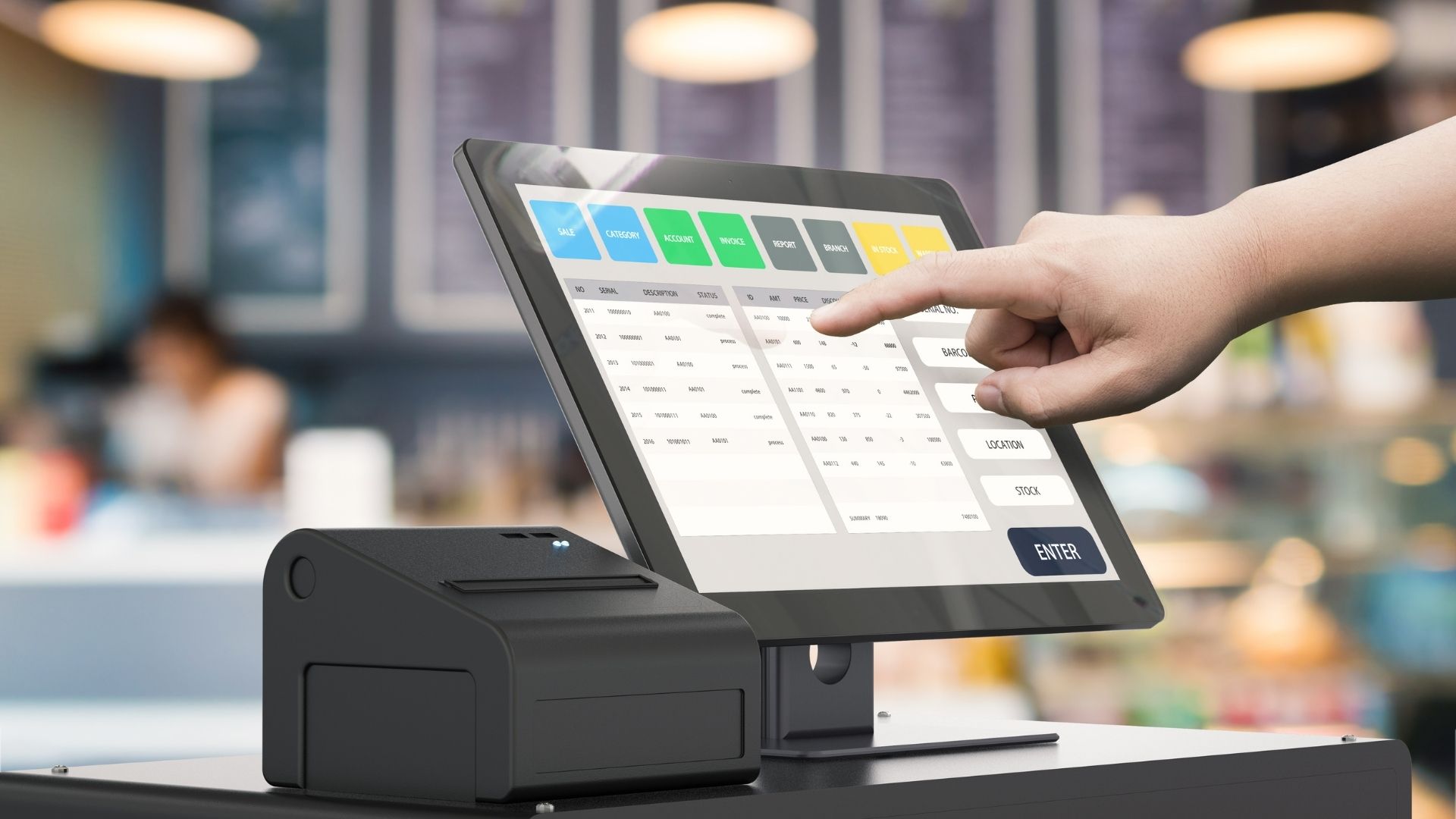
Hardware That Powers Your POS

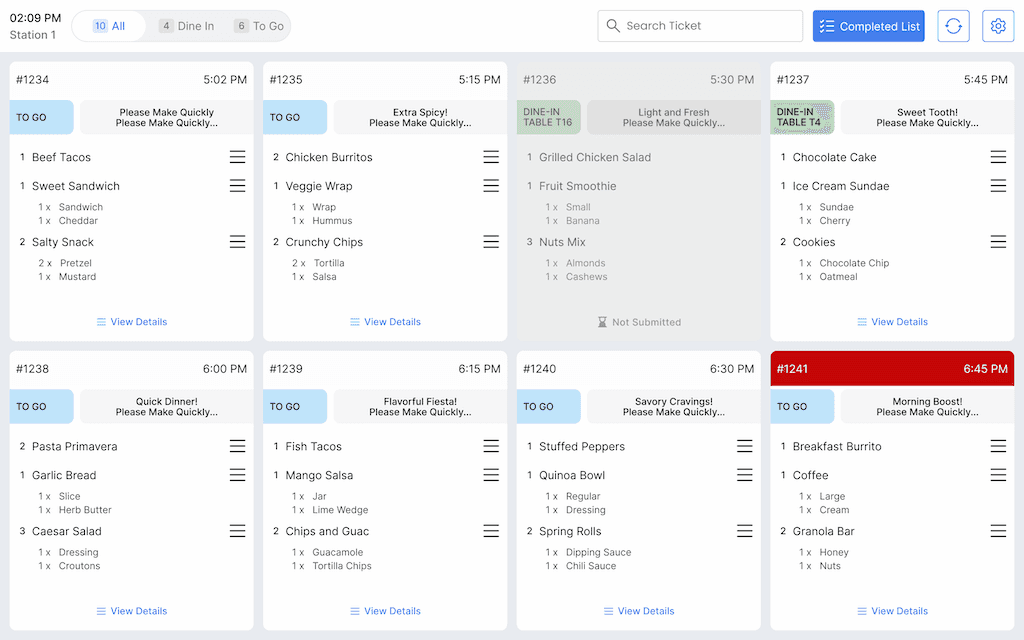
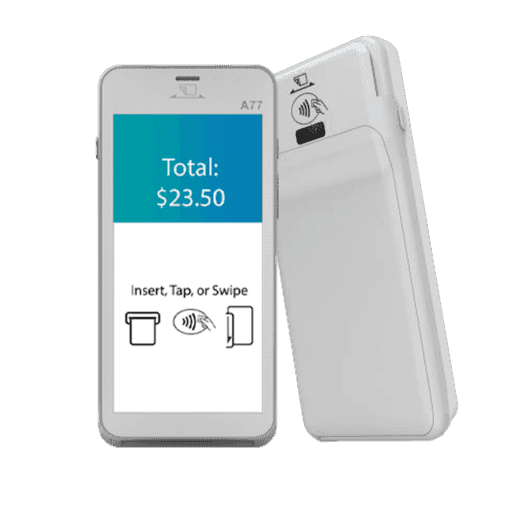
Every POS feature depends on reliable hardware working in real time. Explore the devices designed to support your setup, handle daily demand, and keep your operations running without interruptions.

Hardware That Powers Your POS

Frequently Asked Questions

How long does it take to set up the inventory management system?

Initial setup typically takes 1-2 days. This includes entering your existing inventory and connecting recipes. Most restaurants are fully operational within a week.

How long does it take to set up the inventory management system?

Can I track bar inventory and liquor costs?

Yes, the system tracks liquor by bottle and can measure precise pours when integrated with smart pouring systems, giving you control over one of your highest-margin categories.

Can I track bar inventory and liquor costs?

How does the system handle different units from suppliers?

Suppliers often deliver items in different ways (case, weight, unit, etc.). Our system standardises these automatically. So, whether you’re buying tomatoes by the kilo or by the box, your inventory stays consistent.

How does the system handle different units from suppliers?

Can forecasting really handle unpredictable swings in demand?

Yes. The system uses your restaurant’s sales history to spot patterns and prepare for busy periods, seasonal shifts, or special events. It adjusts ordering recommendations in real time to reduce the risk of both over-ordering and last-minute shortages.

Can forecasting really handle unpredictable swings in demand?

How can I trust the inventory data and avoid “phantom stock”?

Our system tracks usage at the recipe level and updates stock automatically. Regular alerts, threshold checks, and real-time deductions mean you’ll know if something isn’t adding up. Also, full and cycle counts can be logged directly in the system, so you can quickly spot and fix any issues.

How can I trust the inventory data and avoid “phantom stock”?

Do alerts for low stock account for sales from both in-house and online orders?

Absolutely. Because the system connects directly with your POS and online ordering platforms, every sale reduces inventory in real time. You won’t get caught off guard by sudden demand from online orders.

Do alerts for low stock account for sales from both in-house and online orders?

Can menu changes automatically adjust inventory counts and par levels?

Yes. When you update your menu, the system adjusts the ingredient usage in real time. That means inventory counts, thresholds, and par levels update automatically. No manual recalculations needed.

Can menu changes automatically adjust inventory counts and par levels?

Other POS Features

Order management

Track orders across dine-in, takeout, and delivery without losing the flow.

menu management

Update items, prices, and modifiers in real time across all channels.
reporting

See sales trends, peak hours, and performance data in one clear view.

© 2026 | Blogic Systems is a registered ISO/MSP of Pinnacle Bank, a Tennessee Bank, dba Synovus Bank, Columbus, GA

Connect

sales@blogicsystems.com

San Jose Office

2880 Zanker Rd Suite 203

San Jose, CA 95134

Los Angeles Office

6300 Wilshire Blvd Suite 1230

Los Angeles, CA 90048

© 2026 | Blogic Systems is a registered ISO/MSP of Pinnacle Bank, a Tennessee Bank, dba Synovus Bank, Columbus, GA