


A restaurant order management system connects front-of-house with kitchen operations, creating a complete workflow. It helps your staff track orders from entry to delivery and ensure nothing falls through the cracks. The right system provides all the tools to keep your restaurant orders running smoothly, regardless of where they come from.

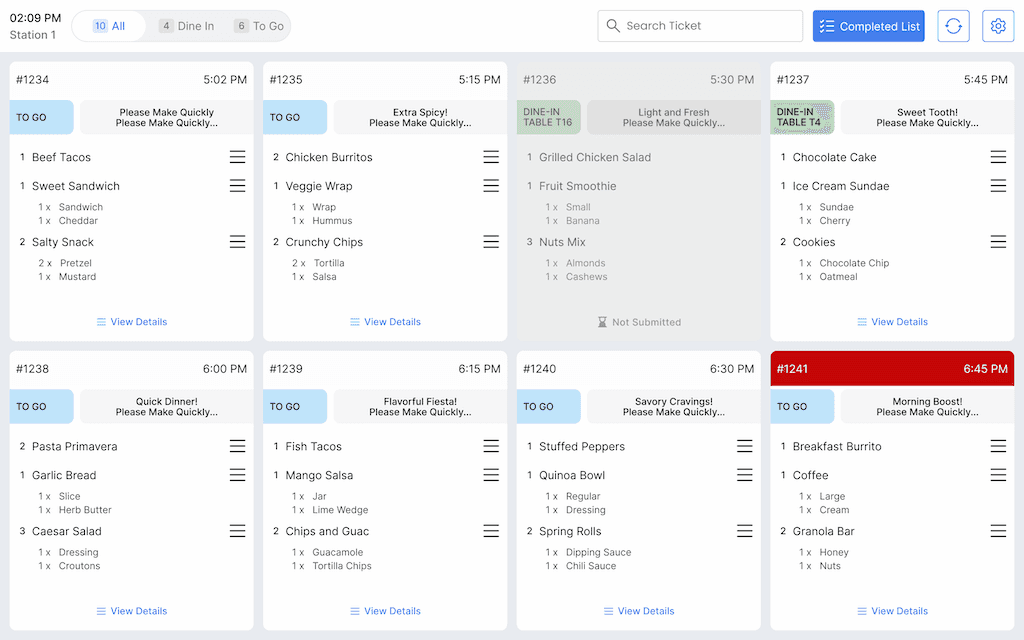
Kitchen Display Integration
Orders appear on kitchen screens without staff running tickets back and forth.
Dine-In and Table Orders
Keep track of which guests ordered what at every table with seat-level precision.
Takeout and Delivery Orders
View all order types in one unified system instead of juggling multiple platforms.
Order Status Tracking
See at a glance which orders are being prepared, ready, or already served.
Split and Combine Orders
Handle separate checks or group tabs without complex workarounds.
Custom Modifiers and Instructions
Record exactly how each dish should be prepared with detailed notes.
Discover how clear order tracking keeps your service smooth and your kitchen calm.
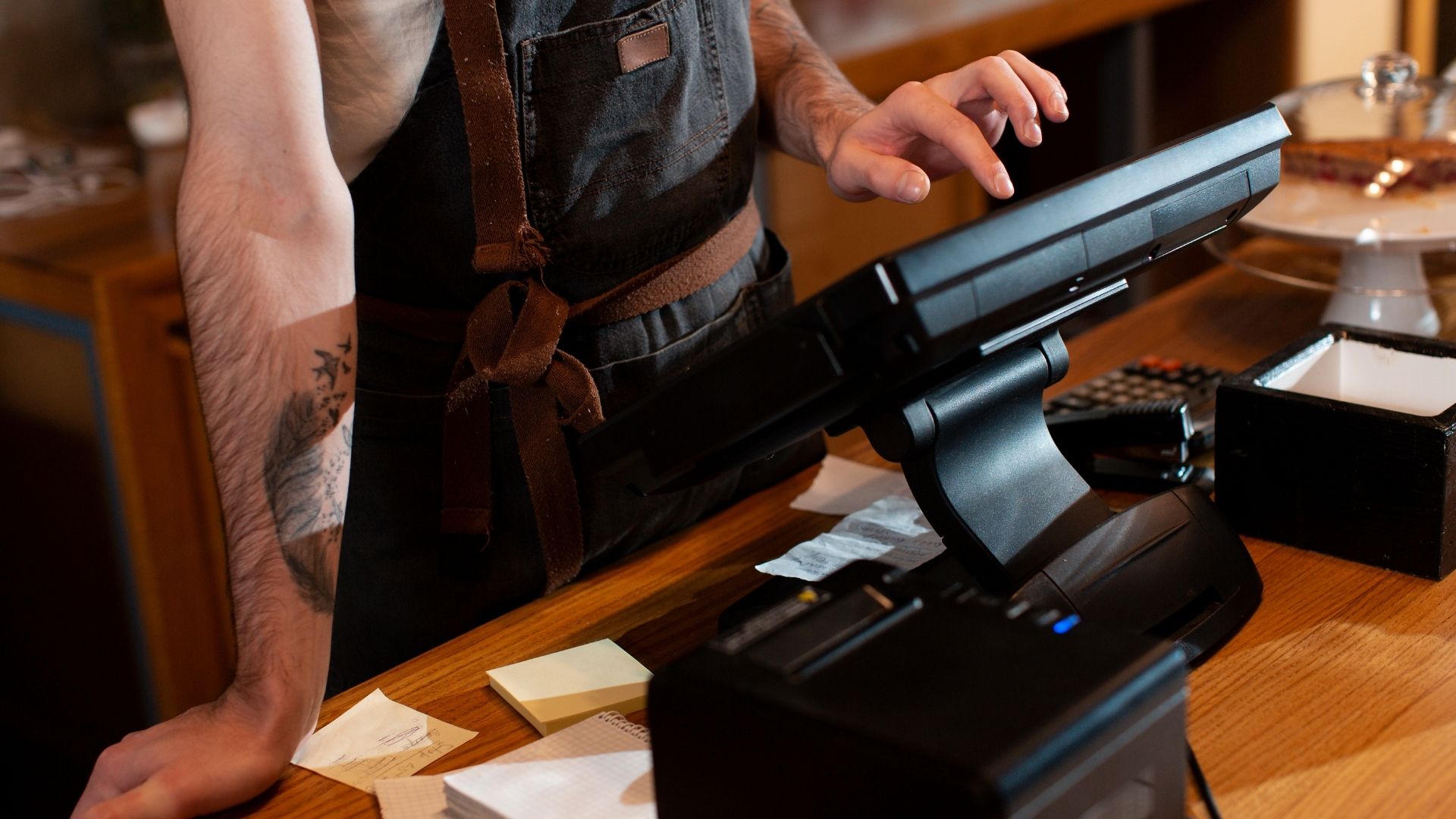
Manage All Orders in One Place
Managing orders from multiple channels creates chaos in most restaurants. Dine-in, takeout, delivery apps, and online orders each use different systems, forcing staff to switch between platforms constantly.
Our system consolidates every order source into a single interface:
Stop losing orders between different platforms and apps
Eliminate confusion about which system contains which information
Reduce staff training time by using one interface for everything
Your team works from one system instead of juggling multiple platforms.
Keep Service Fast and Smooth
Poor communication between servers and kitchen staff creates service delays. Orders get forgotten, timing gets mixed up, and food sits ready while servers wonder what's available.
Real-time coordination keeps your service moving:
Serve customers faster with instant kitchen-to-server communication
Prevent food waste from orders sitting too long under heat lamps
Handle rush periods more calmly with clear workload visibility
Your front and back-of-house teams stay connected throughout service.

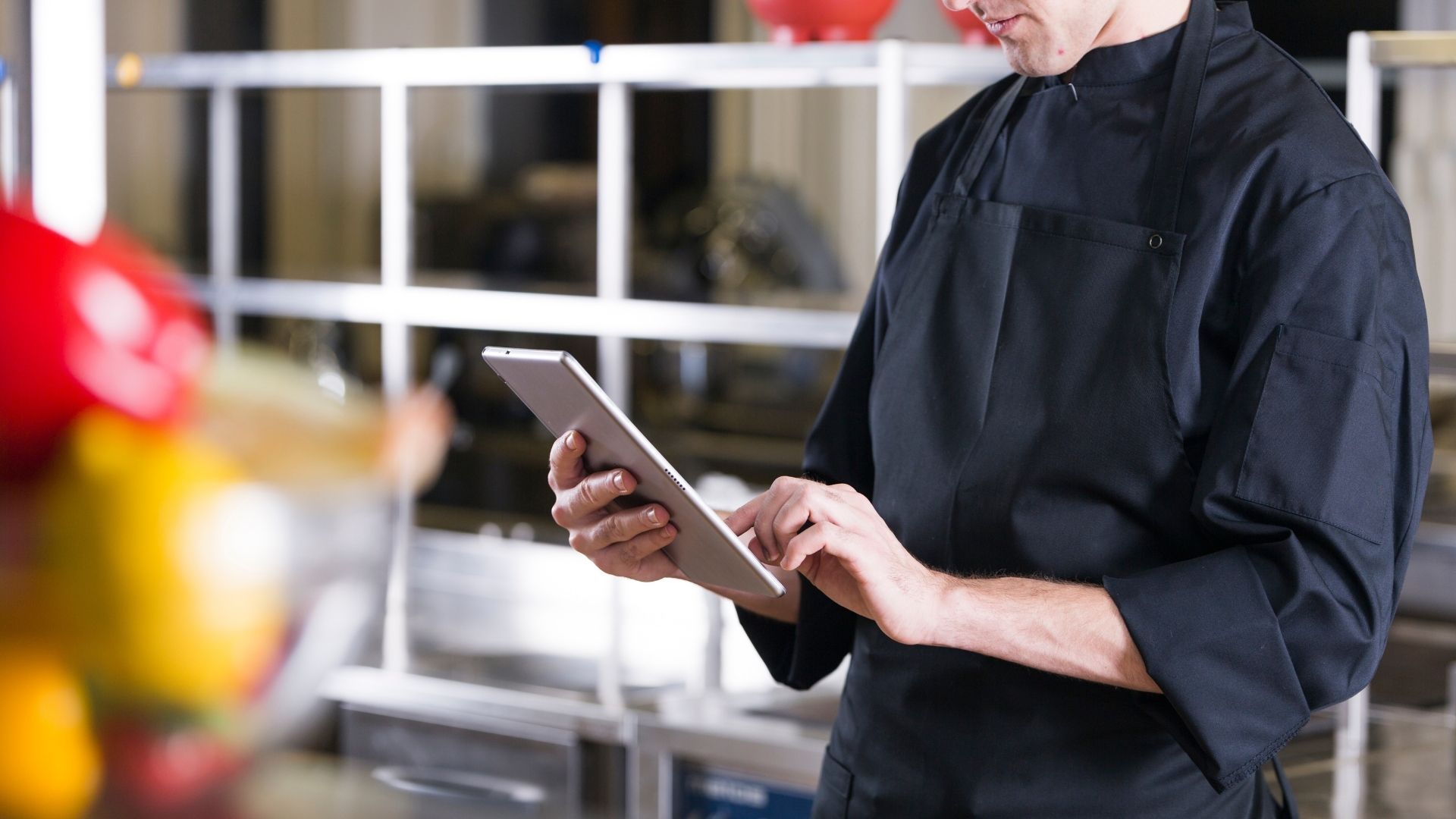
Make Smarter Decisions With Order Data
Most restaurant decisions get made on instinct rather than facts. Without clear data, you're guessing about menu performance and staffing needs.
Order analytics reveal what's really happening:
Increase profits by promoting your actual best-selling items
Schedule the right number of staff for peak times
Focus marketing efforts on your most profitable order channels
Make menu and staffing changes based on actual customer behavior rather than assumptions.
Here's what using an order management system looks like in your restaurant's daily workflow:
Receive Orders
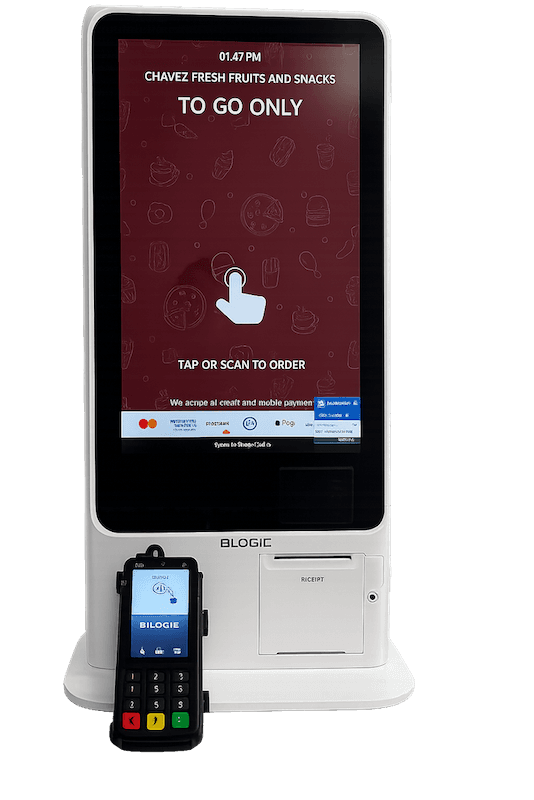
Orders come from tablets, customer phones, or online platforms, and enter the same unified system.
Route to Kitchen
Each order automatically goes to the right preparation station based on item type.
Track Progress
Kitchen staff mark items as in-progress or complete, so servers know exactly when to pick up food.
Process Payments
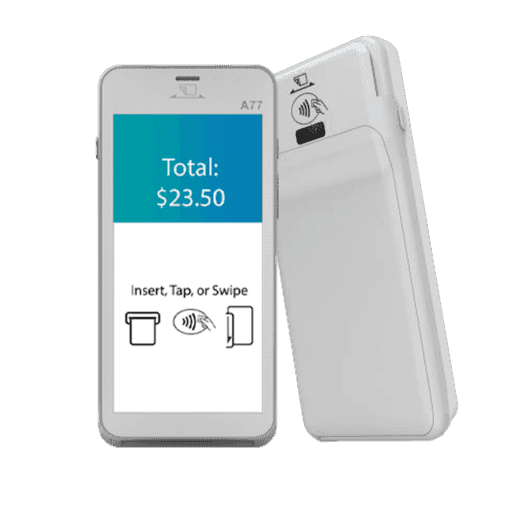
Checks are handled seamlessly, whether it's a single card, split evenly, or divided by item.
Notify and Fulfill
Send automatic alerts and pickup notifications when orders are ready for delivery or takeout.
From online sales to in-house tickets, handle everything through our POS.
Frequently Asked Questions
Other POS Features
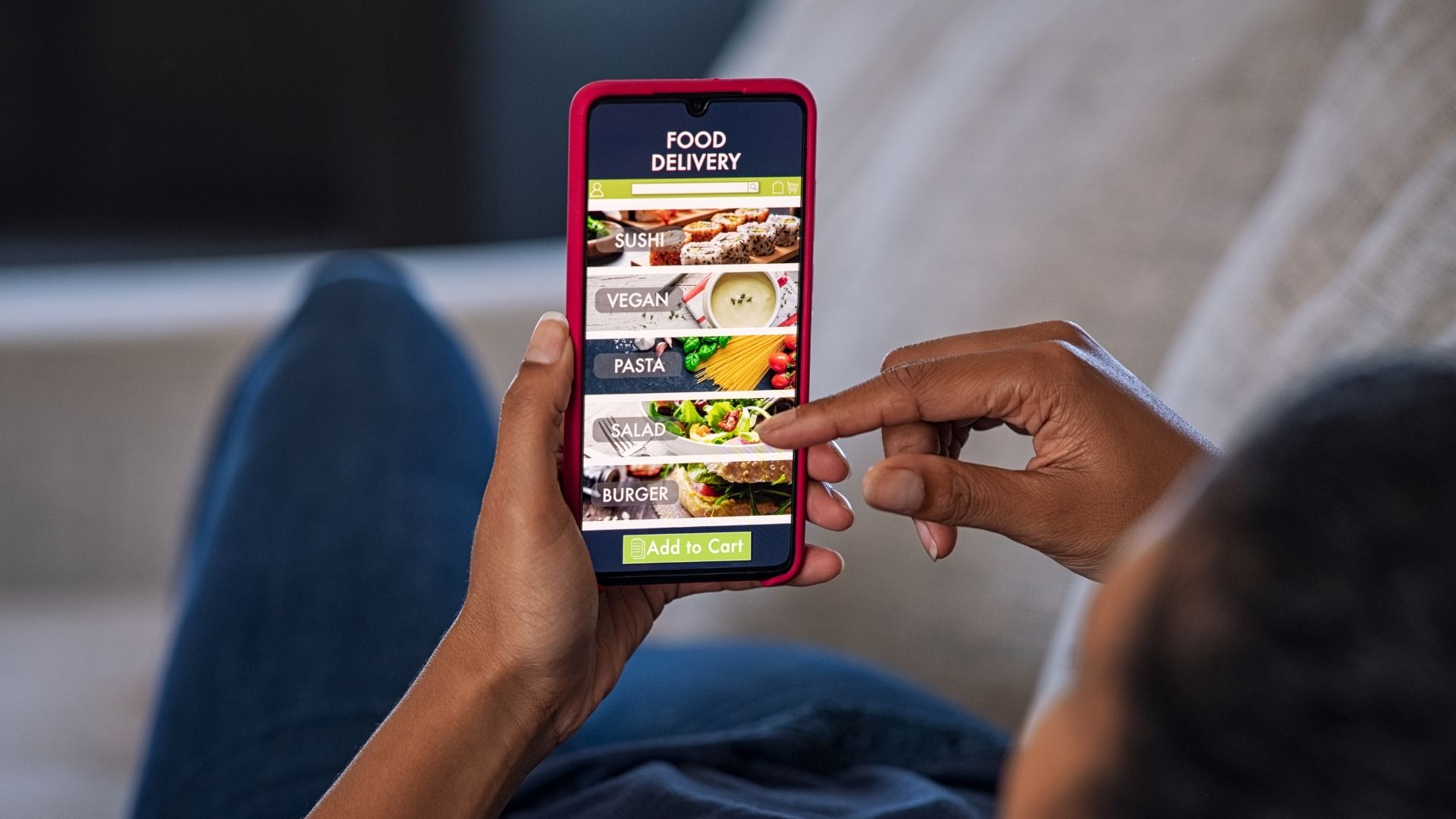
Accept direct orders without third-party friction or manual work.
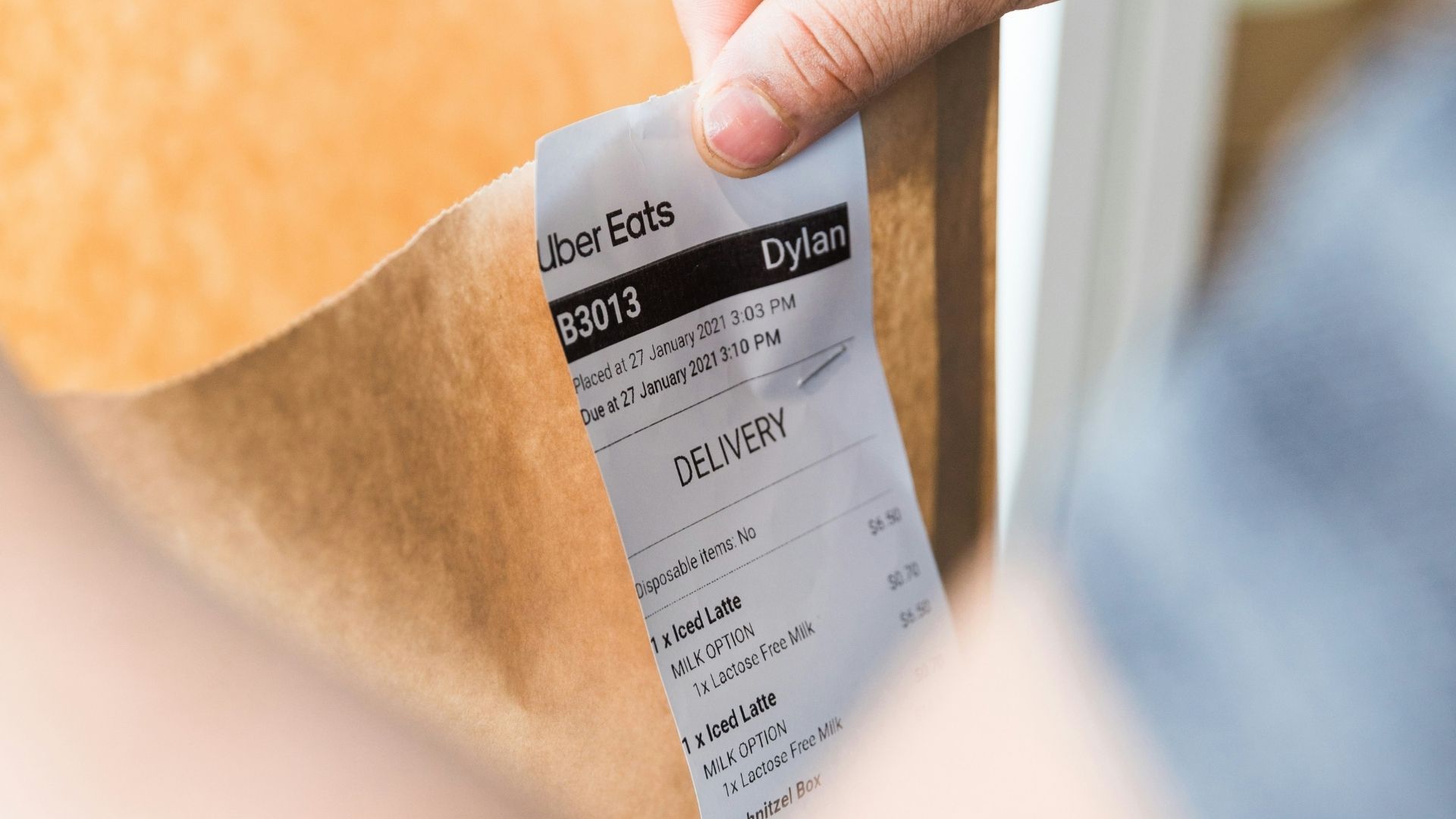
Sync delivery platforms so orders land exactly where they should.
Manage seating, waitlists, and turn times without guesswork.
