Menu Management

Restaurant Menu Management System

Restaurant Menu Management System

Restaurant Menu Management System

Simplify your menu updates and boost efficiency across all ordering channels.

Simplify your menu updates and boost efficiency across all ordering channels.

google icon

5.0

trustpilot icon

4.9

5.0

menu management

Centralized Menu Management for Restaurants

Centralized Menu Management for Restaurants

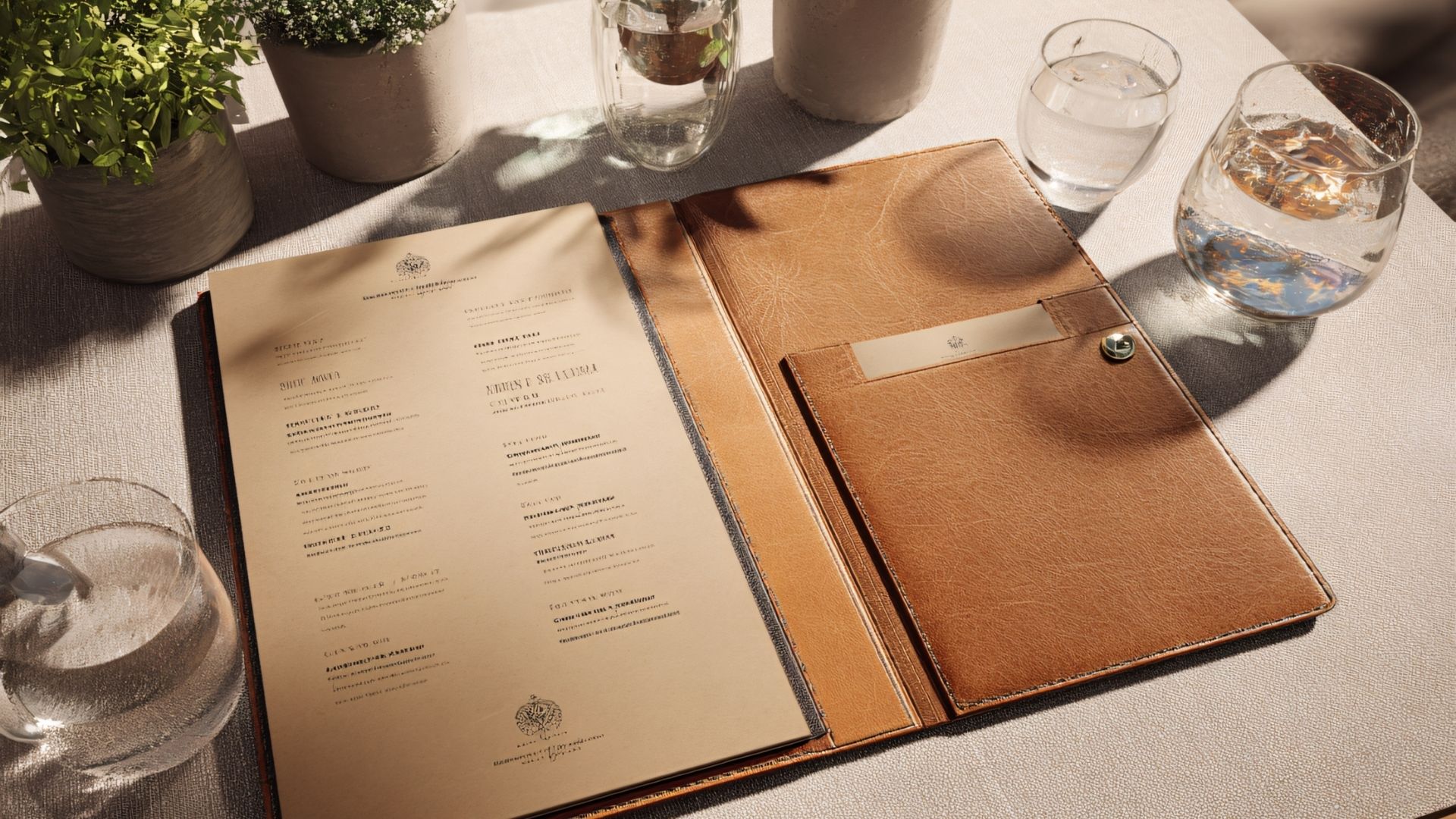
Mistakes in menus, prices, or availability can slow service and frustrate guests. Our restaurant menu management system puts everything under your control, keeping items accurate, available, and fully connected across your POS, kitchen, and digital ordering channels. Here’s how it helps you streamline every aspect of your menu:

Category & Layout Management

Organize items into logical sections that work for your restaurant flow.

Modifiers & Customization

Offer options for each dish from add-ons to detailed prep steps.

Price & Promotion Control

Set different prices for happy hour, weekends, or special events.

Recipe & Ingredient Linking

Connect menu items to your inventory for automatic stock tracking.

Item Availability & Scheduling

Show breakfast items only until 11:00 or hide dishes when ingredients run out.

Combo & Meal Deals

Create family meal deals, value bundles, or tasting menus.

Optimize Your Restaurant Management Processes

Optimize Your Restaurant Management Processes

Learn how you can keep your menu accurate, staff aligned, and customers happy with our POS system.

restaurant menu

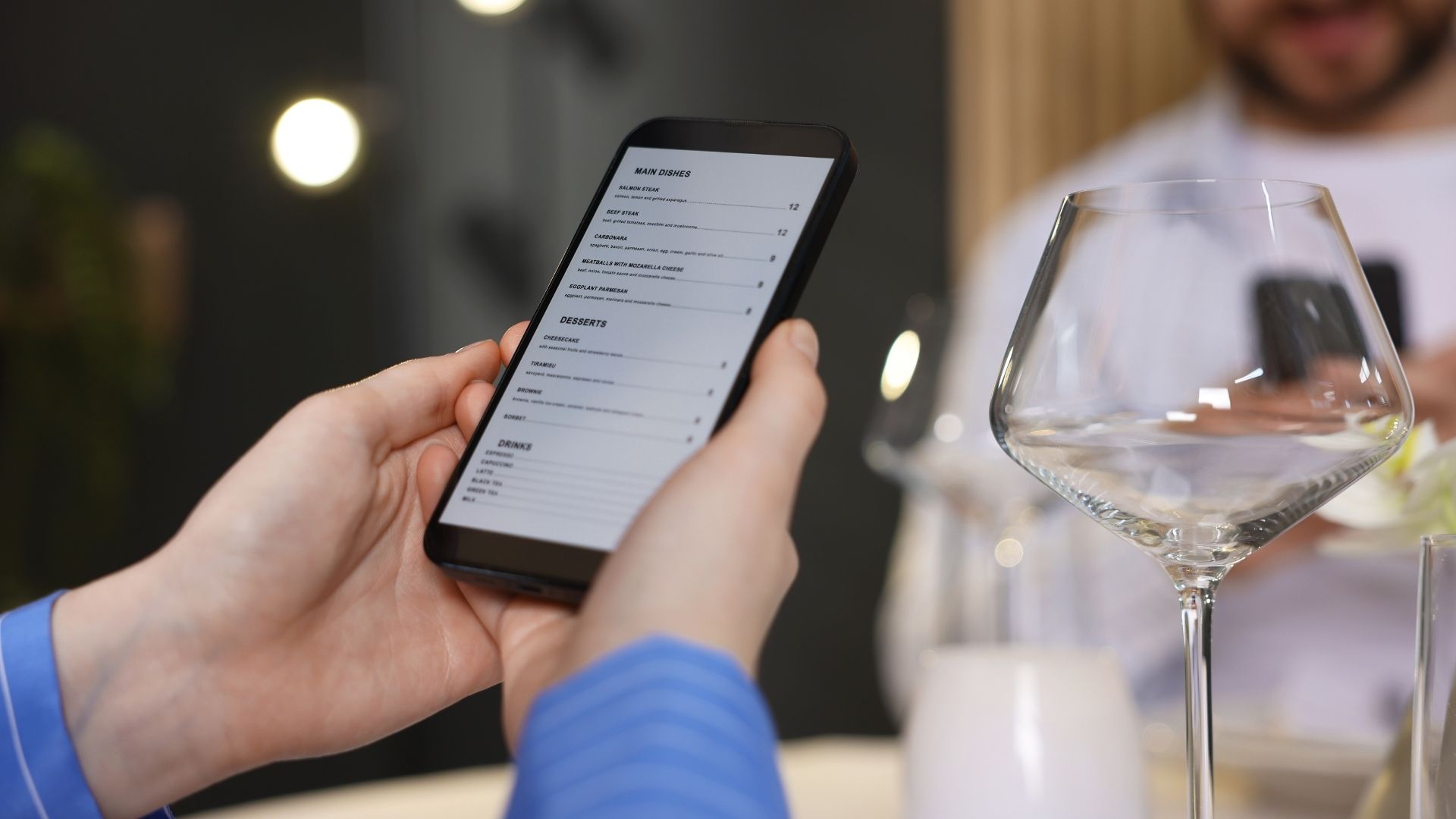
Instant Menu Updates Across Your POS

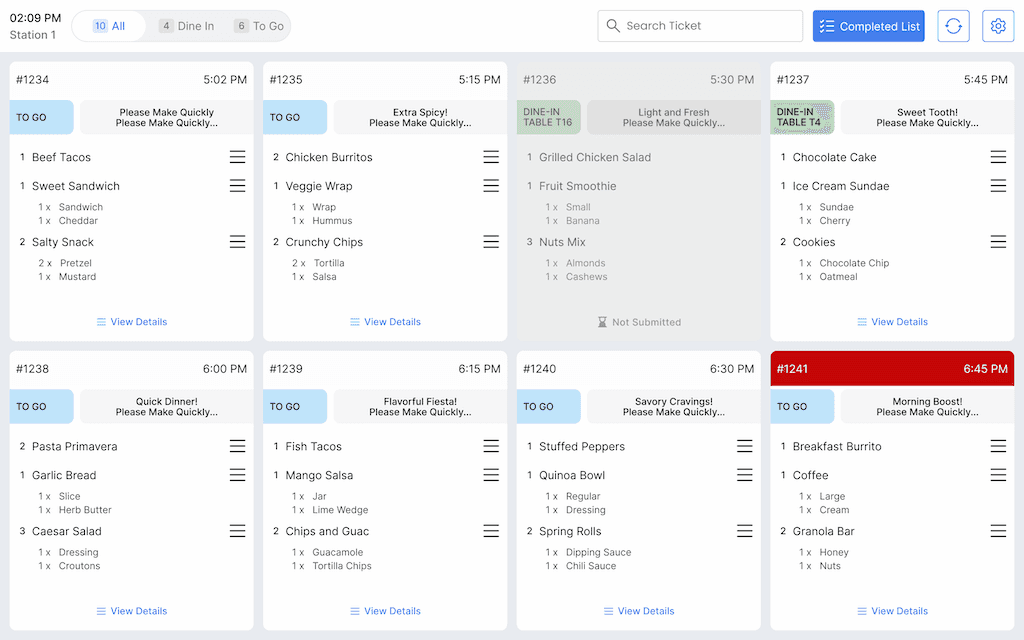
Mistakes in pricing or availability can slow service and frustrate guests. With a POS-connected menu management system, changes to items, prices, or specials immediately appear across all digital menus, server tablets, and kitchen displays. Your team stays aligned, and guests get an accurate experience every time they order.

Easy Specials and Combos Offers

Seasonal specials, happy hour deals, and family bundles are no longer a headache. Update offers in your POS, and they instantly sync across server tablets, kitchen displays, and digital menus. Staff can confidently promote combos, highlight top-selling items, and drive higher check averages,  all without extra steps or the risk of errors.

Inventory-Aware Menu Control

When customers order items you can't deliver, it creates disappointment and disrupts service. With your menu linked to inventory through the POS system, the dishes will automatically hide when ingredients run low. This prevents awkward moments where servers must return to tables with bad news. It maintains kitchen efficiency and ensures customers can trust that what's on the menu is actually available.

Manage Your Restaurant Menu Without Friction

Manage Your Restaurant Menu Without Friction

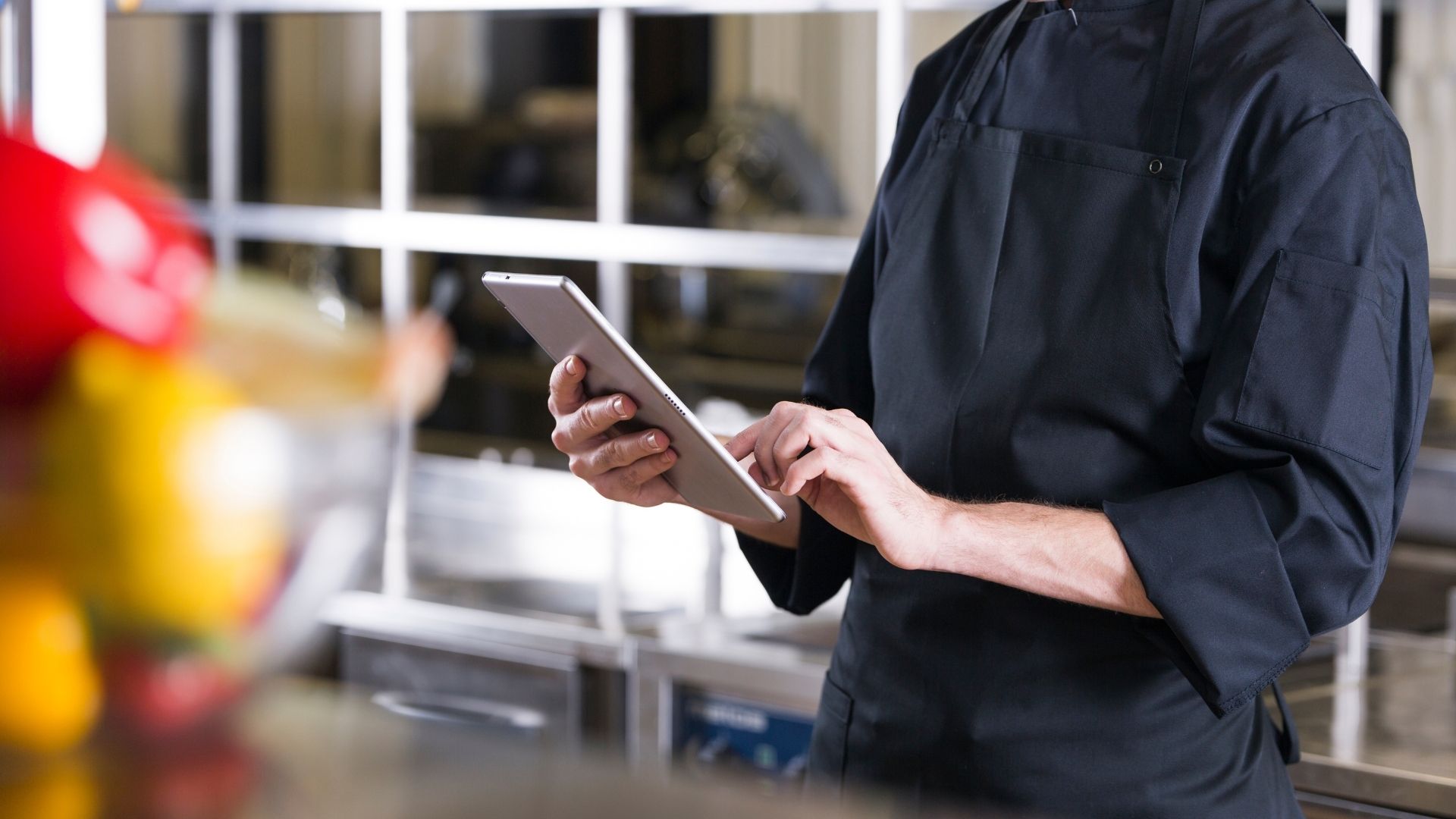
Restaurant operators make planned updates and quick adjustments throughout the day. Our system helps you optimize the workflow of your busy restaurant:
Create Menu Items 

Add dish details, descriptions, ingredients, allergens, and categories.

Set Modifiers and Options 

Apply customizations to each item, including upcharges and preparation notes. 

Update and Schedule 

Make immediate price changes during service or schedule seasonal menu updates in advance.

Sync Across Channels 

Watch as changes appear simultaneously on all digital menus, server tablets, and kitchen displays.

Analyze Performance 

Review item popularity, profit margins, and sales patterns for future menu decisions.

Simplify Restaurant Management with Our POS

Simplify Restaurant Management with Our POS

One system handles your floor, kitchen, and back office.
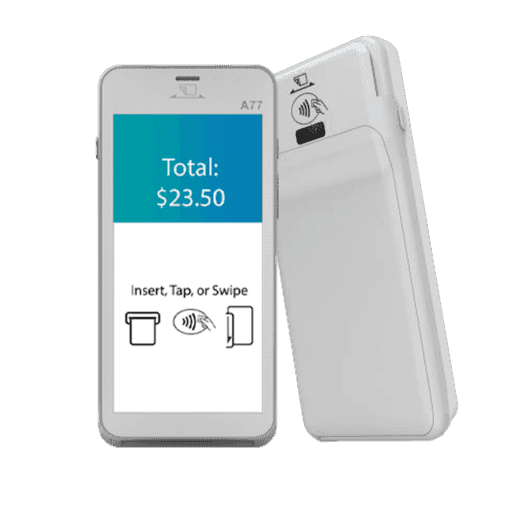
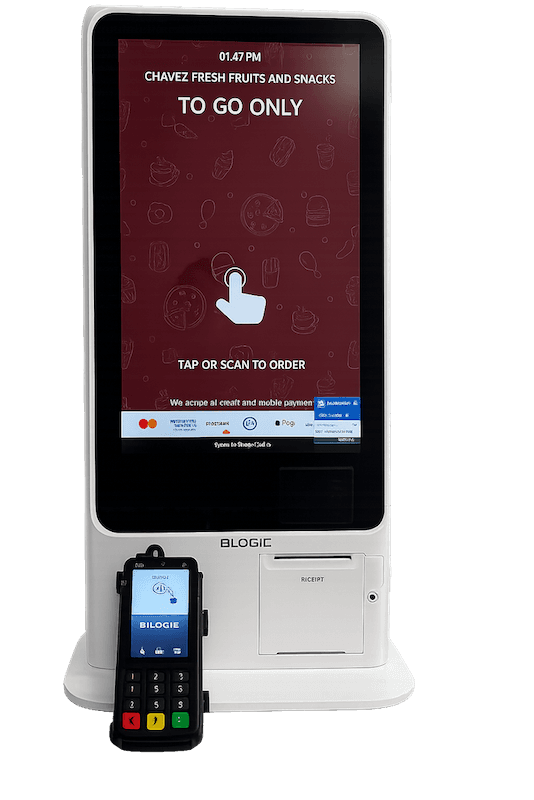
Hardware That Powers Your POS

Every POS feature depends on reliable hardware working in real time. Explore the devices designed to support your setup, handle daily demand, and keep your operations running without interruptions.

Hardware That Powers Your POS

Frequently Asked Questions

Can multiple staff members update the menu without causing conflicts?

Yes! You can set permissions for different team members. Everyone can make updates safely without overwriting each other’s changes.

Can multiple staff members update the menu without causing conflicts?

Can I schedule menu changes in advance for seasonal items or limited-time offers?

Absolutely. You can set start and end dates for specials, seasonal dishes, or holiday menus. The system will automatically update menus at the right time without manual updates. This also helps with planning staffing and inventory needs.

Can I schedule menu changes in advance for seasonal items or limited-time offers?

Can I see how promotions and combo deals are performing?

Yes. The system tracks which promotions or combo deals sell best. You can see the top-performing dishes and the items customers love to adjust your marketing or menu strategy for more profit and customer satisfaction.

Can I see how promotions and combo deals are performing?

Will menu updates affect ongoing orders?

No. Changes only apply to new orders. Current orders in process don’t change, so that your kitchen can complete existing orders without confusion.

Will menu updates affect ongoing orders?

Can I have different menus for dine-in, takeout, and delivery?

Yes! You can create menus for each service type. This lets you offer exclusive items or pricing for delivery or takeout, and also reduce mistakes when items aren’t available for certain services.

Can I have different menus for dine-in, takeout, and delivery?

What training is provided to staff for using the system?

Our system is intuitive and user-friendly. Your staff can quickly learn to create, update, and manage menus without struggling with complex technology.

What training is provided to staff for using the system?

Other POS Features

inventory

Track stock levels and reduce waste before it hits the bottom line.
online ordering

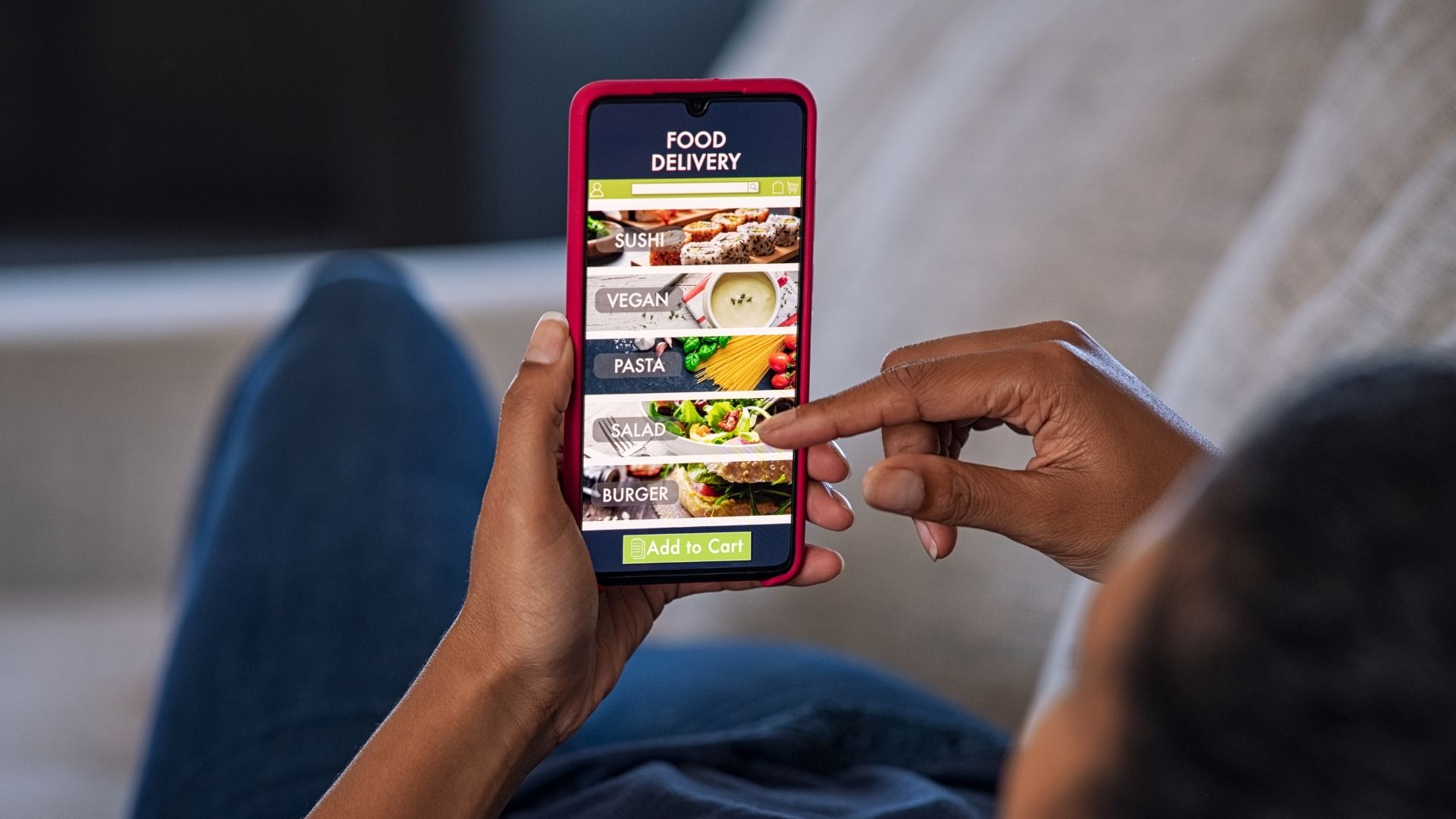
Accept direct orders without third-party friction or manual work.

qr ordering

Let guests order from their phones while staff stay focused on service.

© 2026 | Blogic Systems is a registered ISO/MSP of Pinnacle Bank, a Tennessee Bank, dba Synovus Bank, Columbus, GA

Connect

sales@blogicsystems.com

San Jose Office

2880 Zanker Rd Suite 203

San Jose, CA 95134

Los Angeles Office

6300 Wilshire Blvd Suite 1230

Los Angeles, CA 90048

© 2026 | Blogic Systems is a registered ISO/MSP of Pinnacle Bank, a Tennessee Bank, dba Synovus Bank, Columbus, GA